
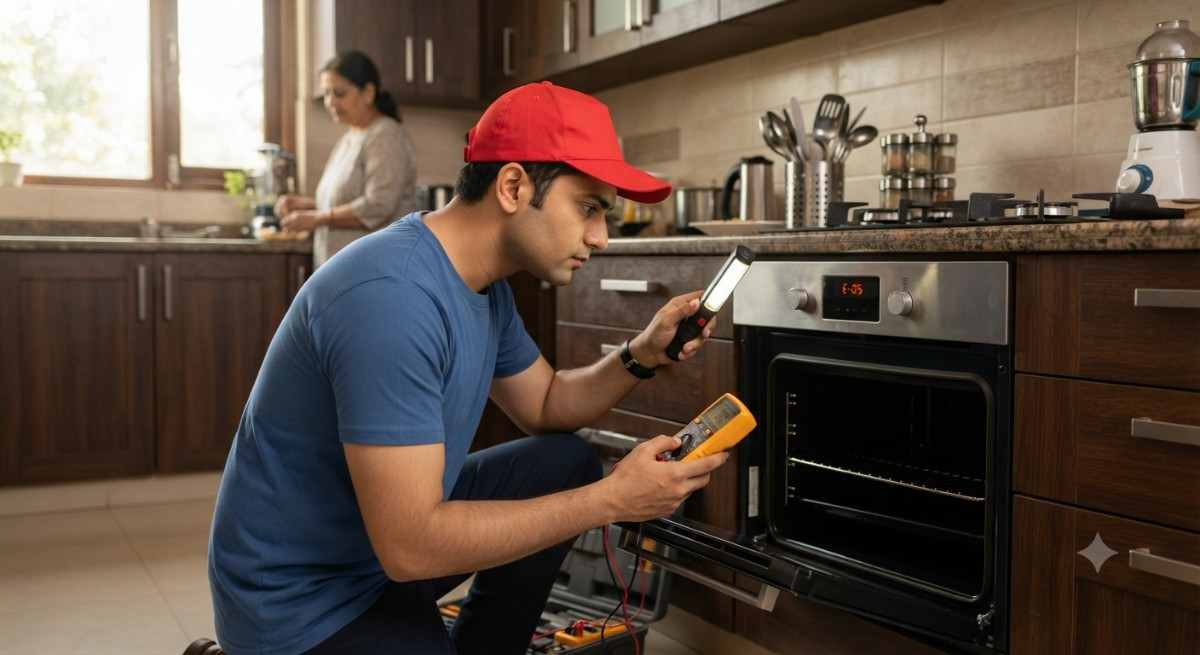
You switch on the oven, the display lights up, the fan may even run, but the food stays undercooked and the cavity barely gets warm. If you are dealing with a Faber built-in oven not heating, you are not alone. It is one of the most common oven complaints in Indian kitchens, especially in homes where the oven is used daily for baking, roasting and reheating.
The good news is that a few causes are simple and can be checked safely. The less good news is that many heating faults sit inside the appliance, where only a trained technician should work. This guide explains the likely causes, what you can safely check yourself, and when it is time to call for help.
Note: Faber Appliance Repair is an independent repair service. It is not the manufacturer and is not an authorised Faber service centre.
Why Is My Faber Built-in Oven Not Heating?
A built-in oven depends on several parts working together: a power supply, a control panel, a temperature sensor, a thermostat, and one or more heating elements. If any one of them fails or sends the wrong signal, the oven may look normal but not produce enough heat. Common causes include:
- Heating element problem: the element that produces heat has weakened or stopped working.
- Thermostat or temperature-sensing issue: the oven cannot read or control its own temperature correctly.
- Power supply or electrical problem: the oven is getting only partial power.
- Control panel or selector issue: the setting you choose is not reaching the heating parts.
- Door-related problem: a badly closing door or faulty door switch can interrupt heating.
- Wiring or internal component fault: loose or damaged connections inside the oven.
- Fan or convection-related issue: in fan-assisted models, poor air circulation can cause weak or uneven heat.
Because the symptoms overlap, it is difficult to name the exact fault without inspection. Let us go through each possibility.
1. Check Whether the Oven Is Receiving Power
A display that lights up does not always mean the heating parts are getting full power. Start with these safe, external checks:
- Make sure the oven is properly connected and the plug or connection point is not loose or discoloured.
- Check the MCB or switch that supplies the oven. If it has tripped, note it, but do not keep resetting it repeatedly.
- See whether other kitchen appliances on the same line work normally.
- Look out for voltage fluctuation in your area, which can affect how an oven performs.
If the MCB keeps tripping when the oven is switched on, stop using the oven and have it inspected.
2. Check the Oven Settings and Temperature
Sometimes the oven is fine and the setting is the issue. Many built-in ovens have multiple modes such as top heat, bottom heat, grill, fan and combination modes. If the wrong mode is selected, the oven may heat only from the top or only from the fan.
- Confirm the correct cooking mode for what you are cooking.
- Set a clear temperature, and give the oven enough time to preheat.
- Check that a timer or delayed-start setting has not been activated by mistake.
- Make sure the child lock or any lock function is not switched on.
Try a simple mode such as conventional top and bottom heat before assuming a fault. If the oven still does not heat, read on.
3. Heating Element Problem
The heating element is the part that actually produces heat, so it is one of the first things a technician checks when an oven is not heating. Signs of a weak or faulty element include:
- The oven turns on but stays lukewarm or takes far too long to preheat.
- Food cooks unevenly, with one side or level undercooked.
- Part of the element does not glow when the oven is on, or it looks blistered or broken.
- Heating that was fine earlier has slowly become weaker.
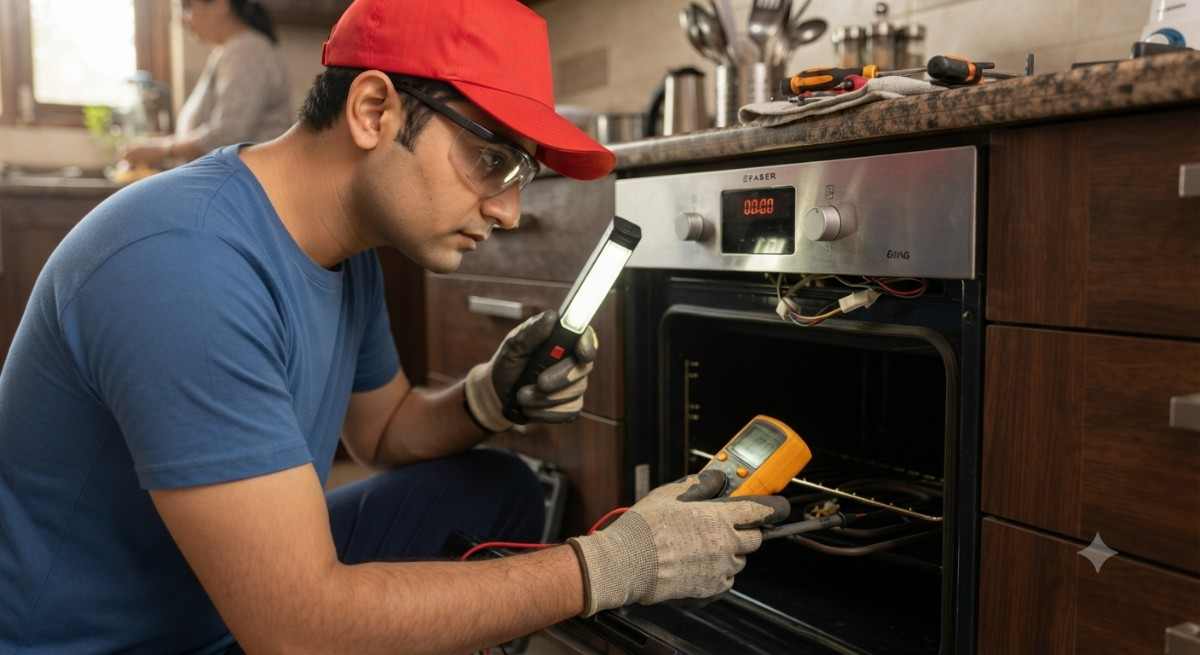
Checking or replacing an element involves working near live electrical parts, so it should be left to a technician. A visual check alone may not show whether the element is really the cause, since a sensor or wiring fault can produce the same symptom.
4. Thermostat or Temperature Sensor Issue
Your oven does not just heat; it also monitors and controls the temperature. The thermostat or temperature sensor tells the oven when to keep heating and when to stop. If it sends the wrong reading, the oven may switch off the heat too early, never switch it on properly, or fail to hold the set temperature.
Signs of a temperature-sensing problem include:
- The oven heats for a short while and then goes cold.
- The actual temperature is much lower or higher than the temperature you set.
- Recipes that used to work now come out undercooked or burnt.
Testing a thermostat or sensor needs proper tools and knowledge, so this is another fault where technician inspection is the safe route.
5. Electrical or Wiring Problem
Built-in ovens run on high electrical load. Over time, heat, vibration and moisture can loosen connections or damage wiring inside the appliance. A wiring fault can cause the oven to heat weakly, stop midway, or trip the power supply.
Internal electrical faults should only be inspected by a qualified technician. Please do not open the oven or touch internal wiring to test it yourself. The risk of electric shock or fire is real. Persistent tripping, a burning smell or visible sparking means you should stop using the oven immediately.
6. Oven Door or Control Problem
Ovens have safety features that stop heating if the door is not properly closed. A worn hinge, damaged door seal or faulty door switch can make the oven think the door is open. In that case it may run the fan or light the display but not heat.
Similarly, a faulty control panel, knob or selector may not pass the correct command to the heating parts. Warning signs include unresponsive buttons, a display that behaves oddly, or settings that change on their own. If your oven door does not close firmly or the controls seem unreliable, get it checked before continuing to use it.
What Can You Safely Check Yourself?
Before you book a technician, these simple checks are safe for any homeowner:
- Power connection: confirm the oven is properly connected and the supply switch is on.
- Cooking mode: select a basic heating mode and see if the result changes.
- Temperature setting: make sure a proper temperature is set and allow time to preheat.
- Timer and settings: cancel any timer, delayed start or lock function.
- Display: check whether the display and controls respond normally.
- Door: make sure the door closes fully and nothing blocks it.
Important: Do not dismantle the oven. Do not touch or handle internal wiring, heating elements or other electrical components yourself. Always switch off the oven and let it cool before cleaning the outside.
When Should You Call a Faber Oven Repair Technician?
Professional inspection is the right step if any of the following applies:
- The oven powers on but does not heat.
- The oven heats unevenly or takes much longer than usual.
- Heating stops in the middle of cooking.
- You notice a burning smell, sparks or other unusual electrical symptoms.
- The same error or fault symptoms keep coming back.
- The problem seems to involve internal electrical or component faults.
Delaying a repair can sometimes let a small fault grow into a bigger one, and using an oven with an electrical fault is not worth the risk.
Faber Built-in Oven Repair Service at Home
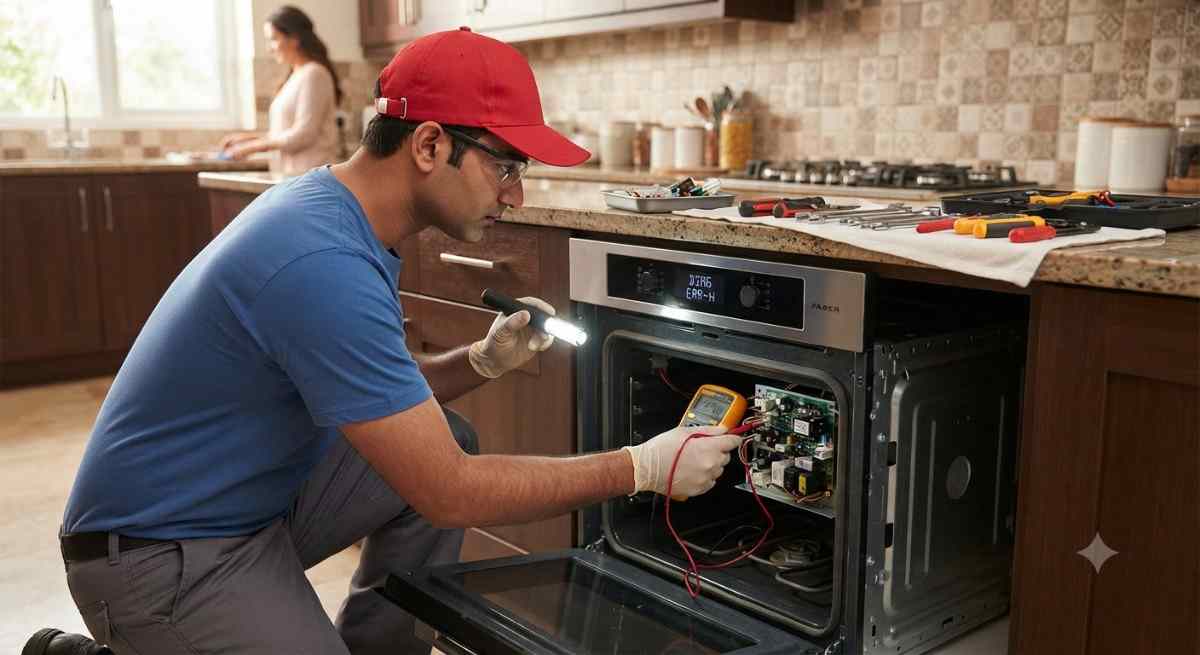
Faber Appliance Repair provides appliance repair and service assistance for kitchen appliances. For heating problems, you can read more about our Faber built-in oven repair service. Service availability depends on your location and the appliance fault, and the actual repair needed can only be confirmed after inspection.
Many kitchens have more than one appliance that needs attention. If you also use a countertop or combination unit, see our microwave repair service. If your cooking setup includes a full range, our cooking range repair service page may help. For smoke and grease issues nearby, there is also a page on chimney repair service, and for kitchens with a dishwasher, our dishwasher repair service page.
Call: 1800 210 2966
WhatsApp: 8104268556
Frequently Asked Questions
1. Why is my Faber built-in oven not heating?
Common reasons include a weak heating element, a thermostat or sensor fault, a power supply issue, a control or door-related problem, or internal wiring faults. A technician needs to inspect the oven to find the exact cause.
2. Why does my Faber oven turn on but not heat?
The display, light or fan can work even when the heating parts are not getting power or a signal. This often points to a heating element, temperature-sensing or wiring issue rather than a complete power failure.
3. Can I check the oven heating element myself?
You can look at settings and the general condition of the oven from the outside, but you should not dismantle it or handle the heating element or internal wiring. These parts carry high electrical load and should be checked by a qualified technician.
4. How do I know if my oven thermostat has a problem?
Signs include the oven not reaching or holding the set temperature, heating and then going cold, or food cooking very differently from before. Confirming a thermostat or sensor fault needs proper testing by a technician.
5. Is it safe to use an oven that is not heating properly?
If the problem is only a wrong setting, yes. But if you notice a burning smell, sparks, frequent tripping or heating that stops suddenly, switch the oven off and avoid using it until it is inspected.
6. When should I call an oven repair technician?
Call when the oven turns on but does not heat, heats unevenly, stops heating midway, shows repeated fault symptoms, or has any unusual electrical signs after you have checked the basic settings.
7. How can I book Faber built-in oven repair service?
You can call 1800 210 2966 or message on WhatsApp at 8104268556. Share your city, the oven model if you know it, and a short description of the problem. Service availability depends on location.
Conclusion
A Faber built-in oven not heating can come from something simple like a wrong mode or timer setting, or from a deeper fault in the heating element, thermostat, wiring or controls. Start with the safe checks, and avoid opening the appliance or touching internal parts. If the oven still does not heat properly, a professional inspection is the safest way to find the real cause.
Faber Built-in Oven Not Heating?
If your oven turns on but does not heat properly, professional inspection can help identify the actual fault.
Call Faber Appliance Repair: 1800 210 2966
WhatsApp: 8104268556
Service availability depends on your location.